Resending or Editing a Gift Card
Resending from Shopify Admin
- Go to Products → Gift cards
- Click the gift card code you want to resend
- In the top right, click Resend gift card
- Shopify sends the original email again to the recipient
Note: You can only resend to the originally entered email. To change the email, use the Queue Report method below.
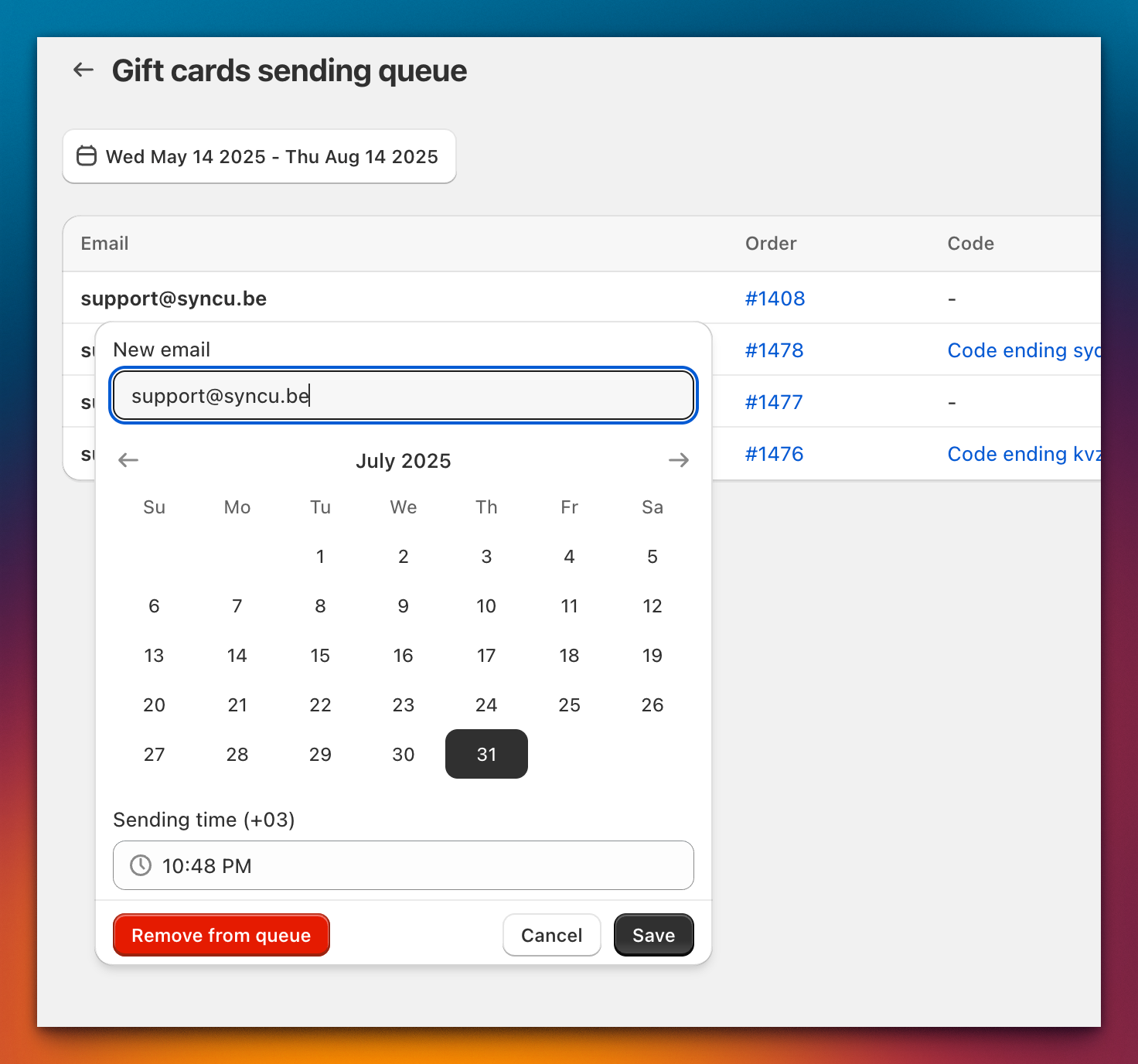
Changing email, delivery date, or canceling
- Go to Apps → Gift Card Hero → Analytics → Queue Report
- Find the gift card and click on the email link
- In the popover, you can:
- Change the recipient email address
- Adjust the delivery date
- Remove the gift card from the queue