Reload Balance (Top-up)
The Reload Balance page lets you find gift cards and manually adjust their balances. Go to Reload Balance in the left navigation.
Finding a gift card
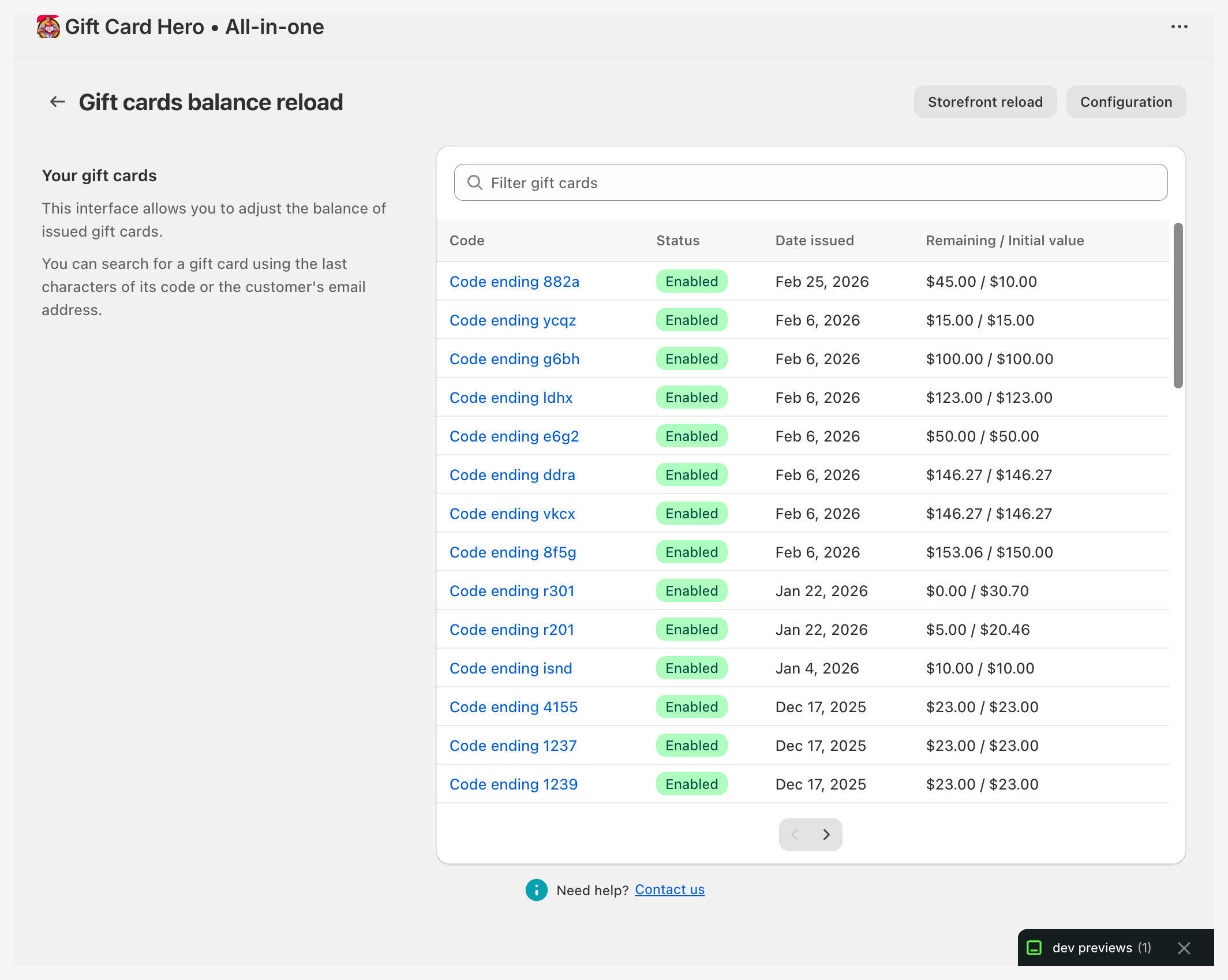
The page shows a searchable, paginated list of gift cards.
- Search by code — enter the last characters of the gift card code
- Search by email — enter the customer's email address
The list shows each card's code (partially masked), customer email, current balance, initial value, and status. Use the Previous / Next buttons to page through results.
If the feature requires an additional Shopify permission scope, a warning banner appears with a Give additional scope button to grant access.
Adjusting a balance
Click the adjust button on a card in the list to change its balance.
This is useful for:
- Store credit programs — manually add credit as a goodwill gesture or compensation
- Loyalty rewards — top up a card when a customer reaches a spending threshold
- Corrections — fix a balance that was set incorrectly
At POS, staff can also reload cards directly through the GiftCard Hero POS tile. See POS Integration for details.
Configuration
Click Configuration in the page header to open the reload settings.
Reload limit
A badge shows whether the $10,000 reload limit is Enabled or Disabled.
- Click Increase limit to let customers reload cards up to $10,000 or the equivalent (requires the
write_draft_ordersShopify scope) - Click Decrease limit to return to Shopify's default limit of $2,000
If the write_draft_orders scope is missing, a warning banner appears with a Give additional scope button.
Reload confirmation email
The email sent to the cardholder after a balance is reloaded. The Reload confirmation email row shows its subject and whether it is set up; click Edit template to open the editor, which has a preview and a test send.
| Field | Notes |
|---|---|
| Subject | Required. Subject line of the notification |
| Body | Required. Body text of the notification |
- Preview renders the email with sample figures, in the same wrapper the real email uses.
- Send test email opens a small form with the address to send to, prefilled with your store's contact email. The test goes out through your delivery method — your own mail server when that is the store default in Integrations, ours otherwise — with the subject marked
[Test]. - The editor opens with sample text until you write your own; Reset puts the sample text back.
Available placeholders:
| Placeholder | Outputs |
|---|---|
{first_name} |
Customer's first name |
{last_name} |
Customer's last name |
{email} |
Customer's email address |
{initial_value} |
Original face value of the gift card |
{balance} |
Balance before the reload |
{new_balance} |
Balance after the reload |
{last_characters} |
Last digits of the gift card code |
{reload_amount} |
Amount added in this transaction |
Both fields are required — if either is left empty, the editor refuses to save. Unlike the other notifications, this email has no built-in version: what you save is what is sent.
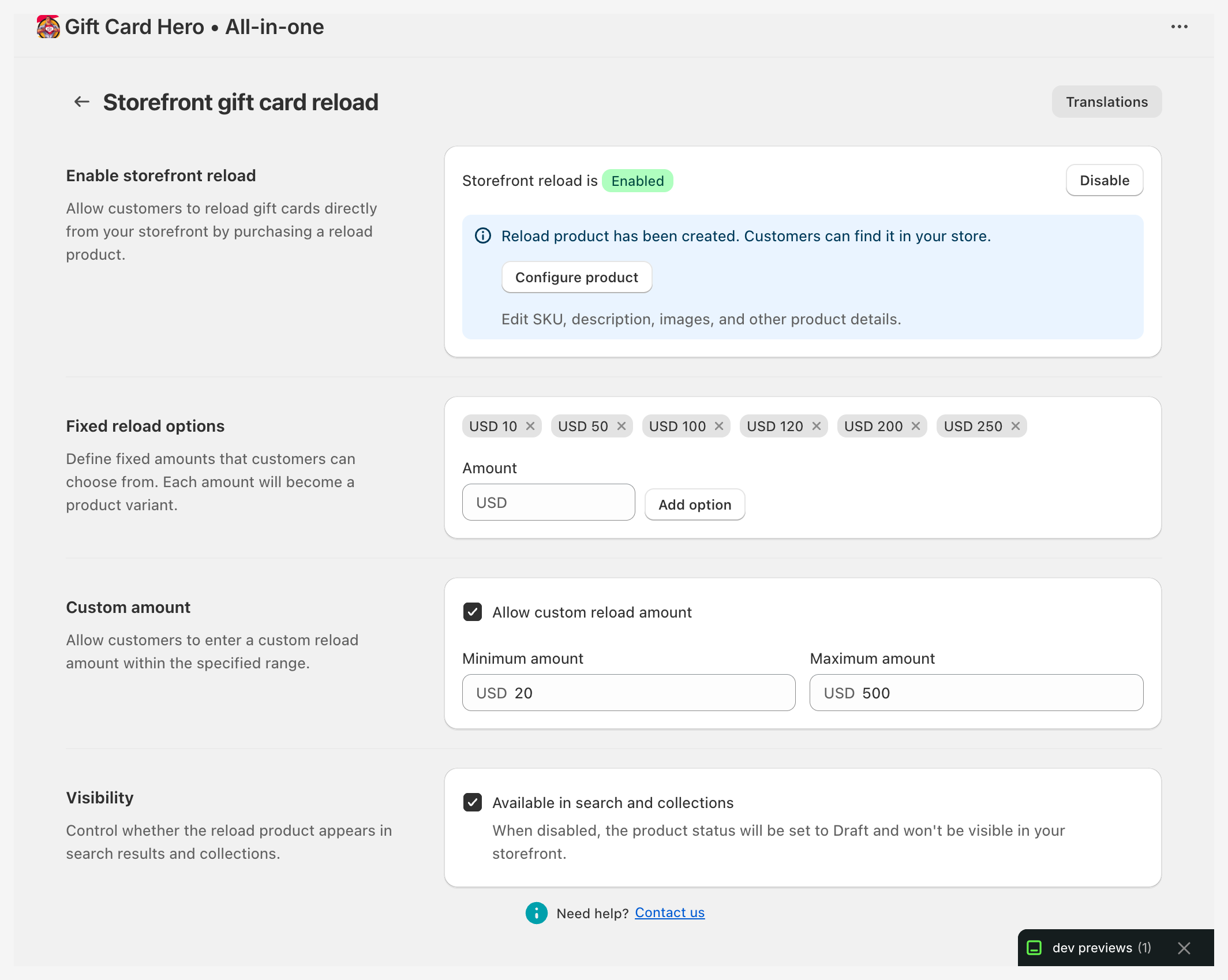
Storefront reload