Gift Card Admin Block
The Gift Card Hero admin block adds management features directly to Shopify's gift card detail page.
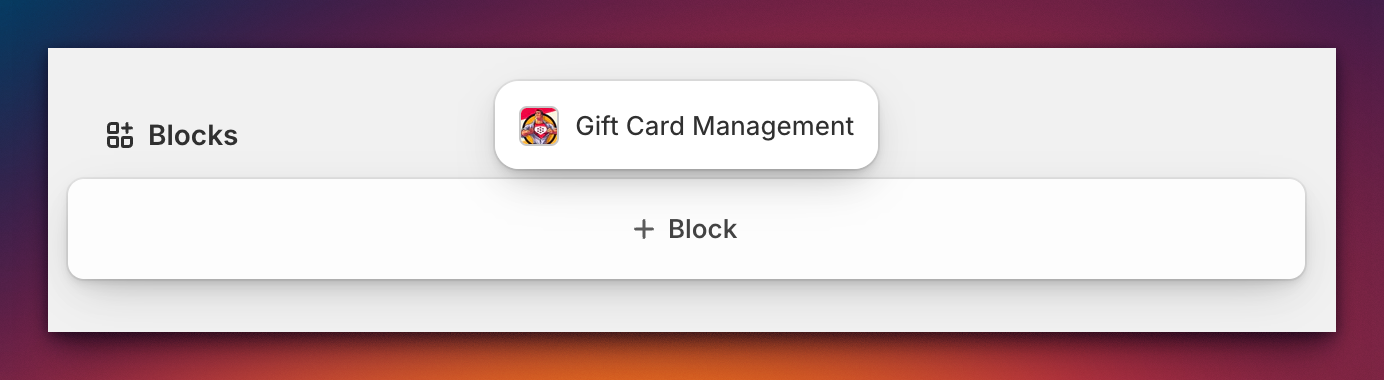
Adding the block
- Navigate to Products → Gift cards in Shopify admin
- Select a gift card to open the detail view
- In the Blocks section, click Customize
- Find Gift Card Hero in the available blocks list
- Click Add block and optionally Pin it for all staff
- Save changes
Using the block
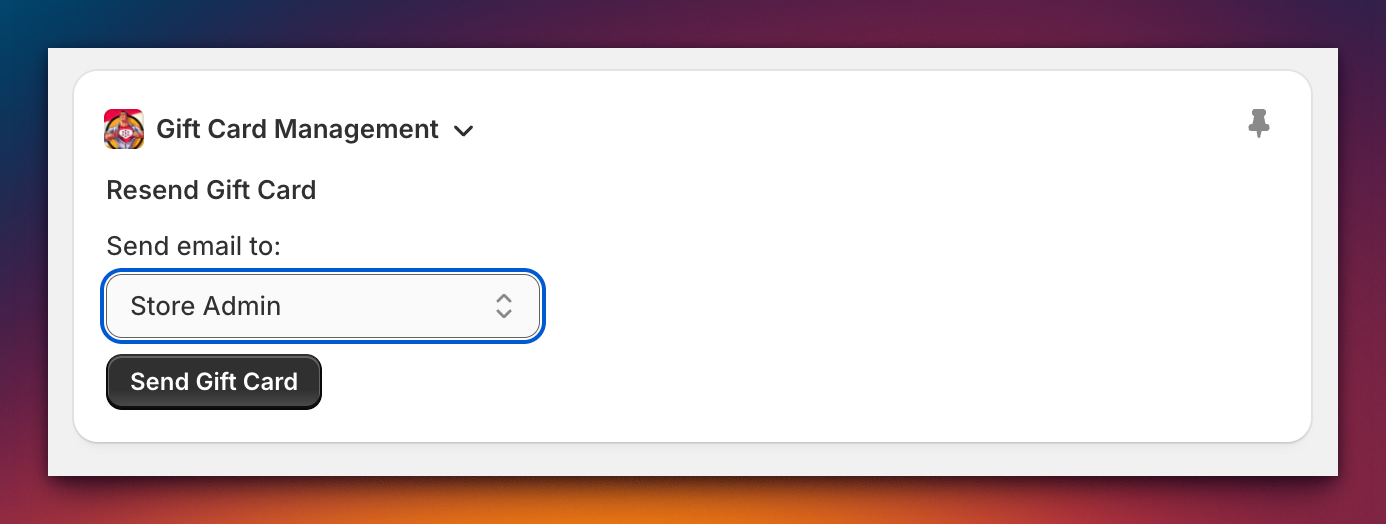
The management panel provides:
- Send the gift card to customer, recipient, or admin via dropdown
- View the timeline of all actions for this gift card
- Add internal comments for staff (not visible to customers)
Notes
- Ensure correct email address before sending
- Recipient option may be disabled if no recipient was specified originally
- All comments and history are staff-only