Storefront API
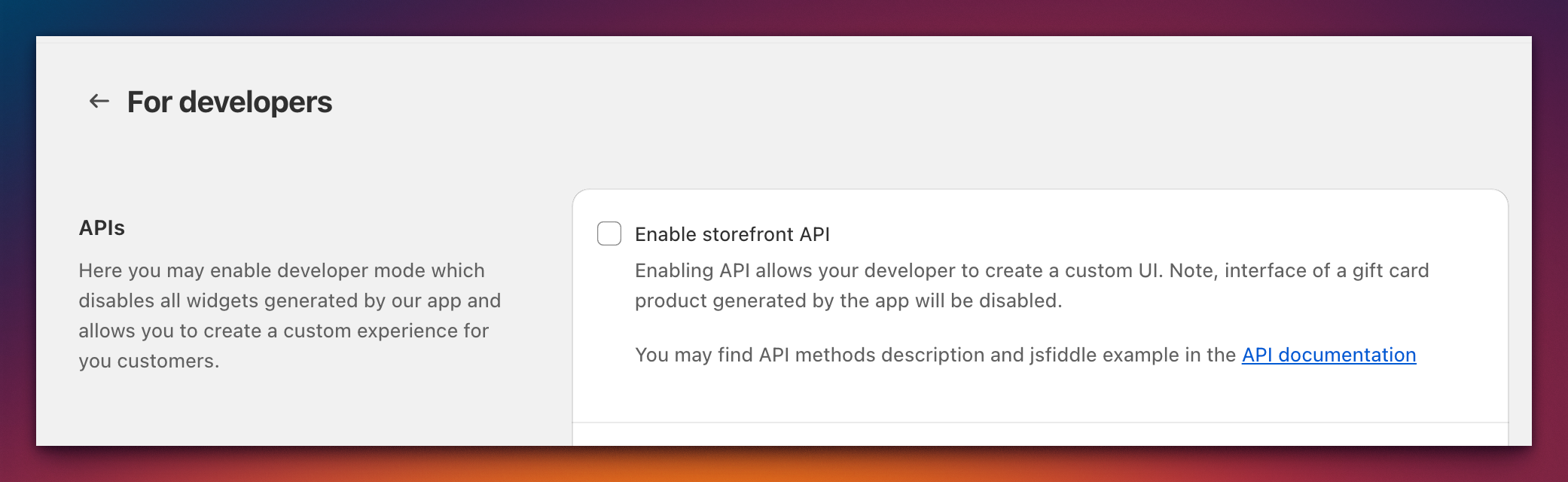
The Storefront API provides a JavaScript interface (window.GiftHeroAPI) for building custom gift card selection and purchase flows on your storefront.
Initialization
GiftCard Hero dispatches a custom event when the API is ready. Listen for the gift.hero:initialized event before calling any methods:
document.addEventListener('gift.hero:initialized', function () {
  const api = window.GiftHeroAPI;
  // API is ready to use
});
Note: The
gift.hero:initializedevent fires after the GiftCard Hero storefront script has loaded and initialized. If the script has not been included on the page, the event will not fire.
Methods
addToCart(quantity?)
Adds the configured gift card to the cart.
const result = await window.GiftHeroAPI.addToCart(1);
// result: { status: 'success', data: { ... } }
Parameters:
| Parameter | Type | Default | Description |
|---|---|---|---|
quantity |
number | 1 | Number of gift cards to add |
Returns: A promise that resolves with { status, data }.
generatePreview()
Opens a preview modal showing how the gift card will look to the recipient.
window.GiftHeroAPI.generatePreview();
getImages()
Returns an array of available gift card images.
const images = window.GiftHeroAPI.getImages();
// [{ id: '...', src: 'https://...', alt: '...' }, ...]
getOptions()
Returns the product options including available denominations.
const options = window.GiftHeroAPI.getOptions();
getTranslations()
Returns the current interface translations.
const translations = window.GiftHeroAPI.getTranslations();
getVariants()
Returns the product variants array.
const variants = window.GiftHeroAPI.getVariants();
setCardData(cardData)
Sets all gift card data at once. Use this instead of calling individual setters when you have all the data available.
window.GiftHeroAPI.setCardData({
  variantId: '12345678',
  image: 'https://cdn.shopify.com/...',
  message: 'Happy Birthday!',
  from: 'Alice',
  deliveryDate: '2026-12-25',
  email: 'recipient@example.com',
  phone: '+1234567890'
});
Fields:
| Field | Type | Description |
|---|---|---|
variantId |
string | The selected variant ID |
image |
string | URL of the selected card image |
message |
string | Gift card message |
from |
string | Sender's name |
deliveryDate |
string | Scheduled delivery date (ISO format) |
email |
string | Recipient's email address |
phone |
string | Recipient's phone number |
Individual setters
| Method | Parameter | Description |
|---|---|---|
setDeliveryDate(date) |
string | Set scheduled delivery date |
setEmail(email) |
string | Set recipient email |
setFrom(name) |
string | Set sender name |
setImage(image) |
string | Set selected card image URL |
setMessage(message) |
string | Set gift card message |
setVariant(variantId) |
string | Set selected variant |
validate()
Validates the current gift card data. Returns validation errors if any required fields are missing.
const errors = window.GiftHeroAPI.validate();
Validation rules: When an email or delivery date has been set, the following fields become mandatory:
messagefrom(sender name)deliveryDateemail
If these fields are not set when required, validate() returns the corresponding errors.
React integration example
A complete React integration example is available on JSFiddle. It demonstrates how to initialize the API, build a custom gift card selection UI, and handle the add-to-cart flow: